







%20v2.avif)





Classroom Technology
Everything your classrooms need to work together, and the training to make it count
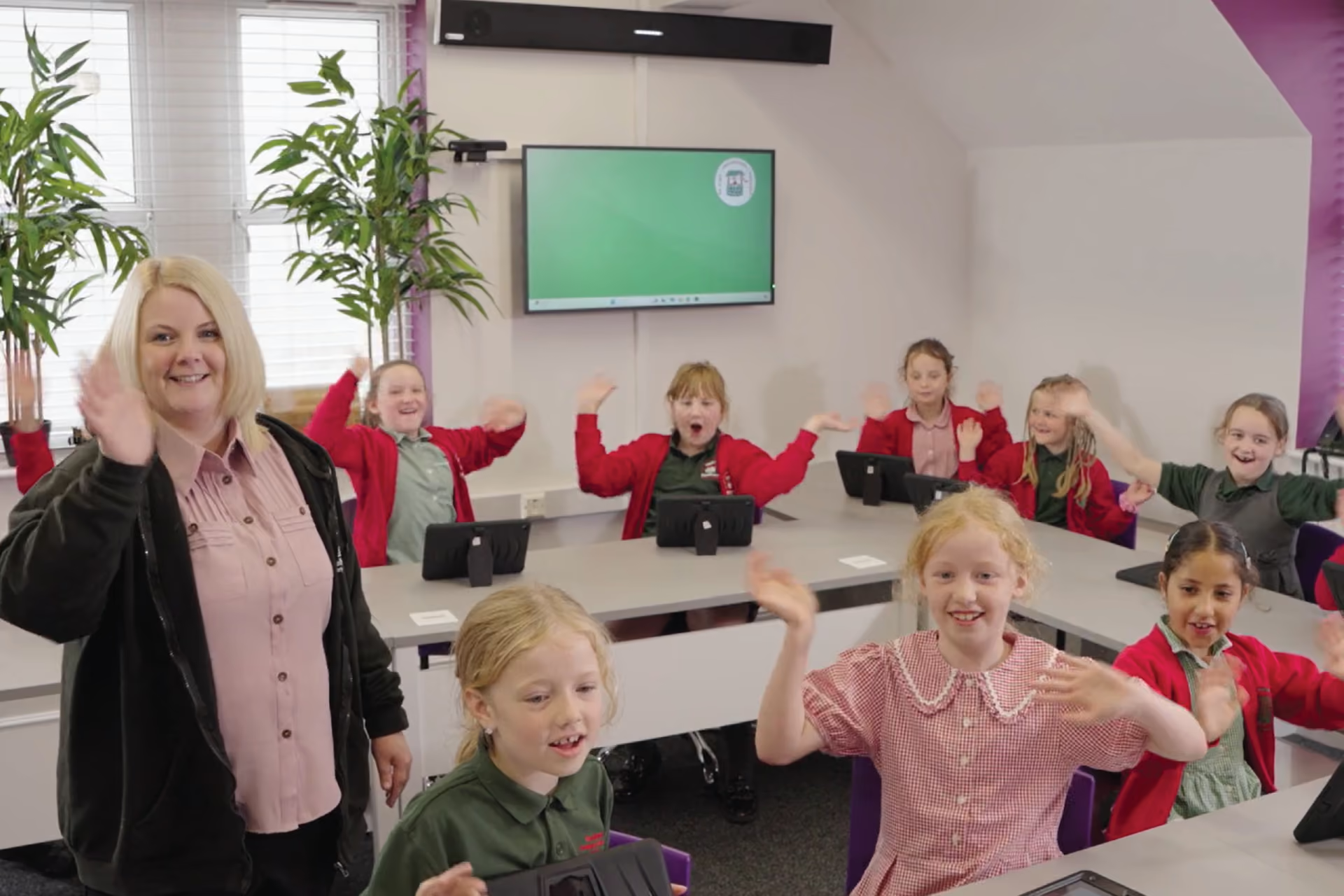
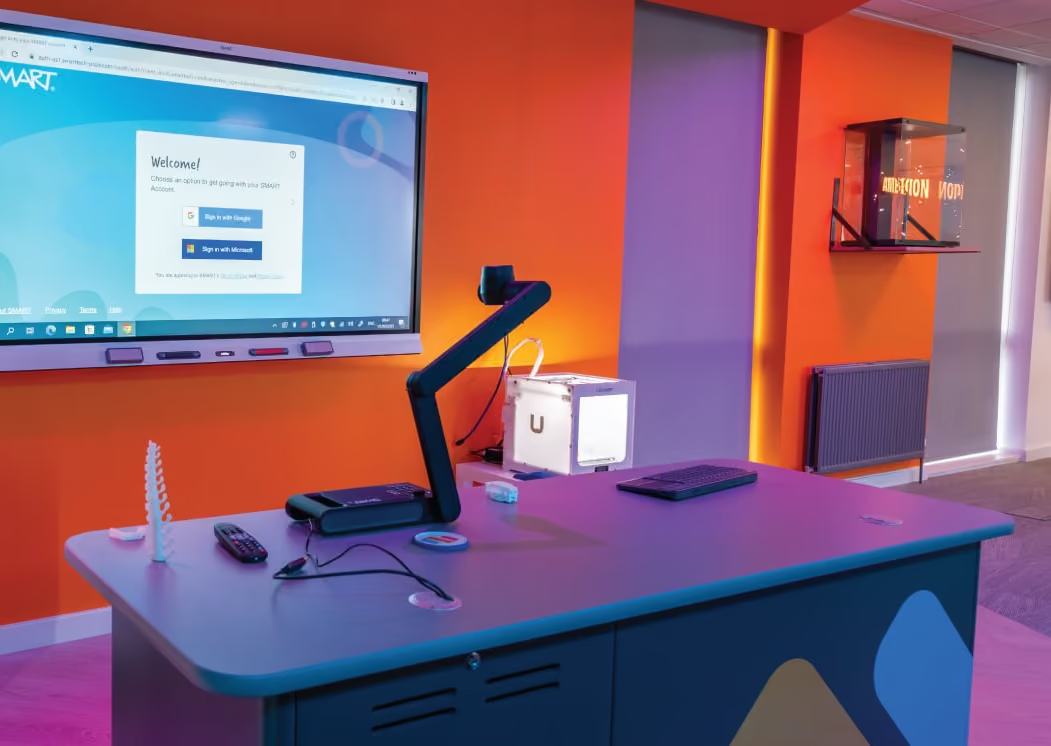
A classroom is strengthened when the technology within it works seamlessly together, and the teacher has the knowledge, skills and confidence to use it all effectively.
A display, a visualiser, a set of pupil devices and the software running across them all need to work as one. When one piece is chosen in isolation, the gaps tend to show up later, in lessons that don't flow, in IT teams stretched across mismatched kit, and in money spent on features that may not get used
That is why we encourage schools to look at the whole ecosystem before they look at any single product. What are you already using, what is working, and what is quietly getting in the way? The answers shape every decision that follows, and they make the differencebetween technology that is merely installed and technology that is genuinelyvalued.
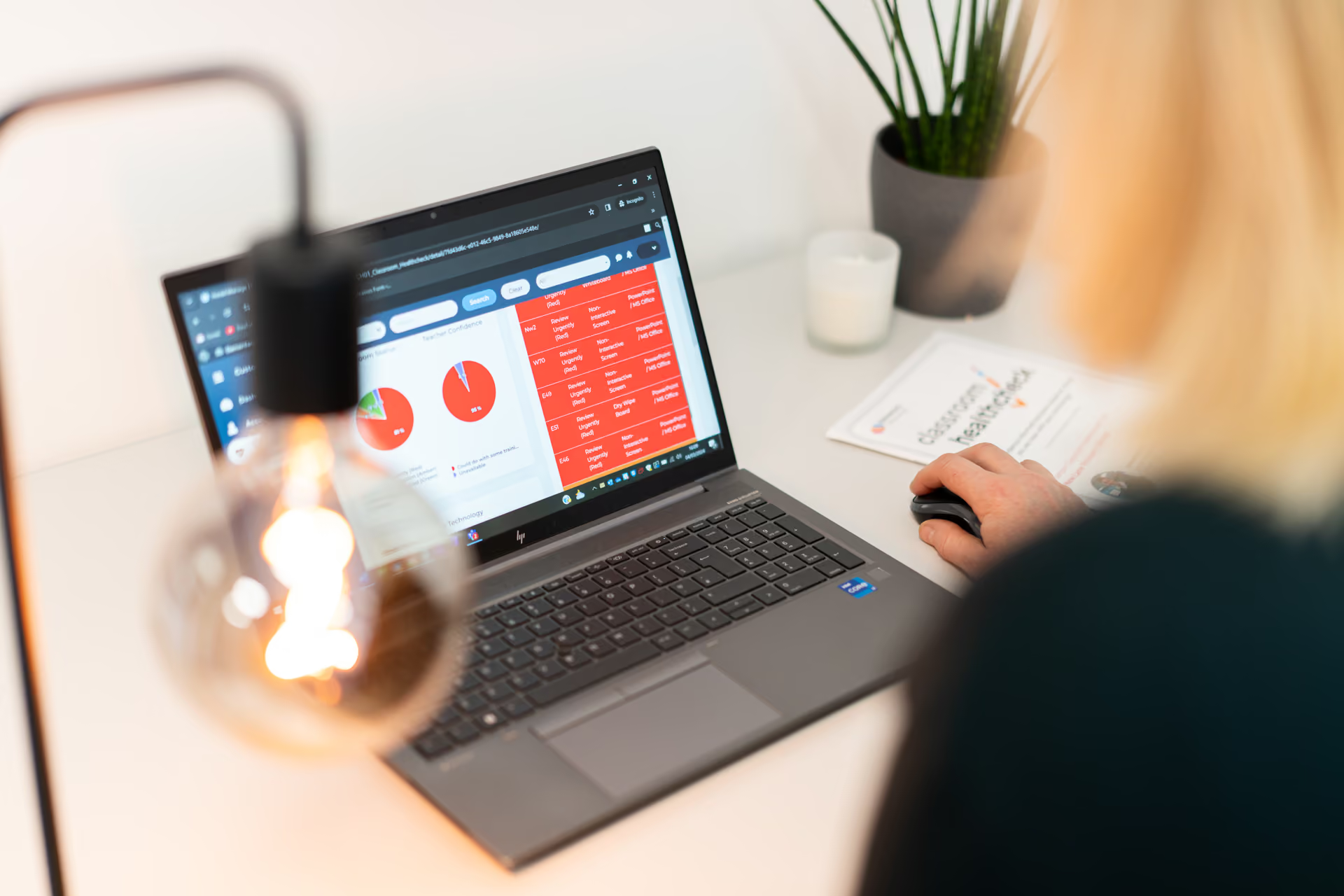
Our Classroom Healthcheck® is the best place to start; understanding where you are now as the foundations for improvement
We have supplied and supported technology in schools for many years, and as an approved supplier on Department for Education frameworks, we bring together independent advice, careful delivery and ongoing training in one place.
Explore the range below


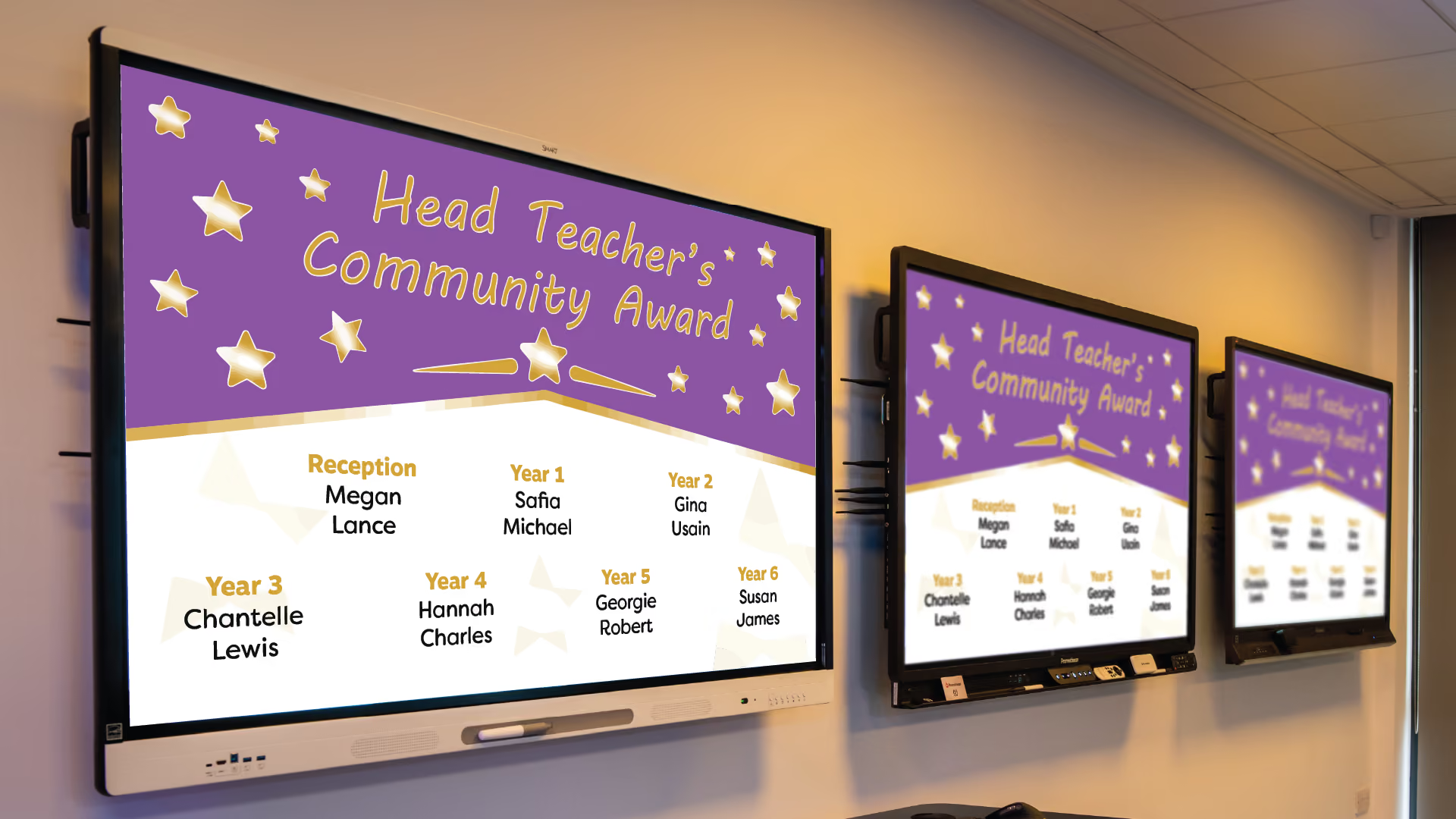
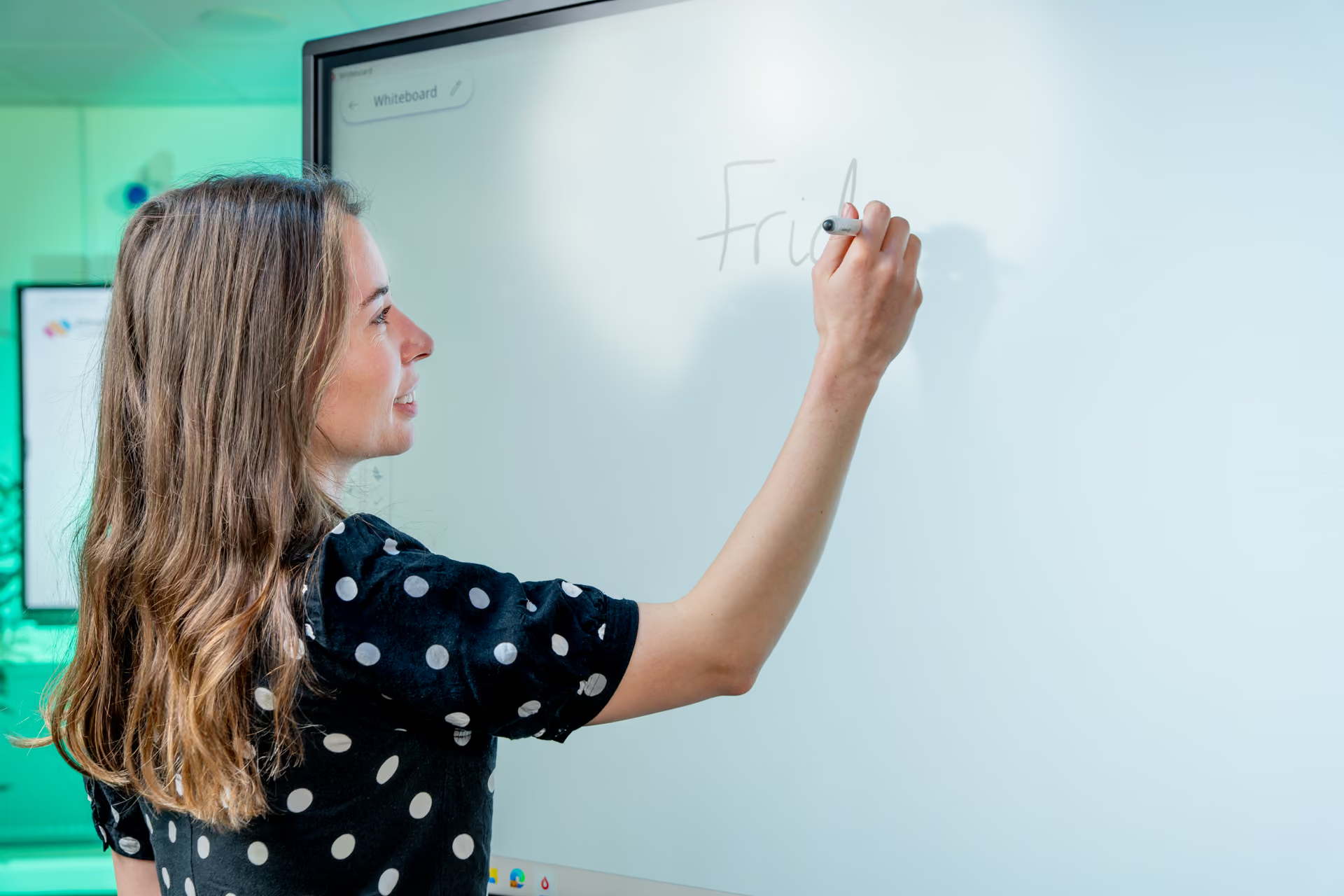
Classroom Displays
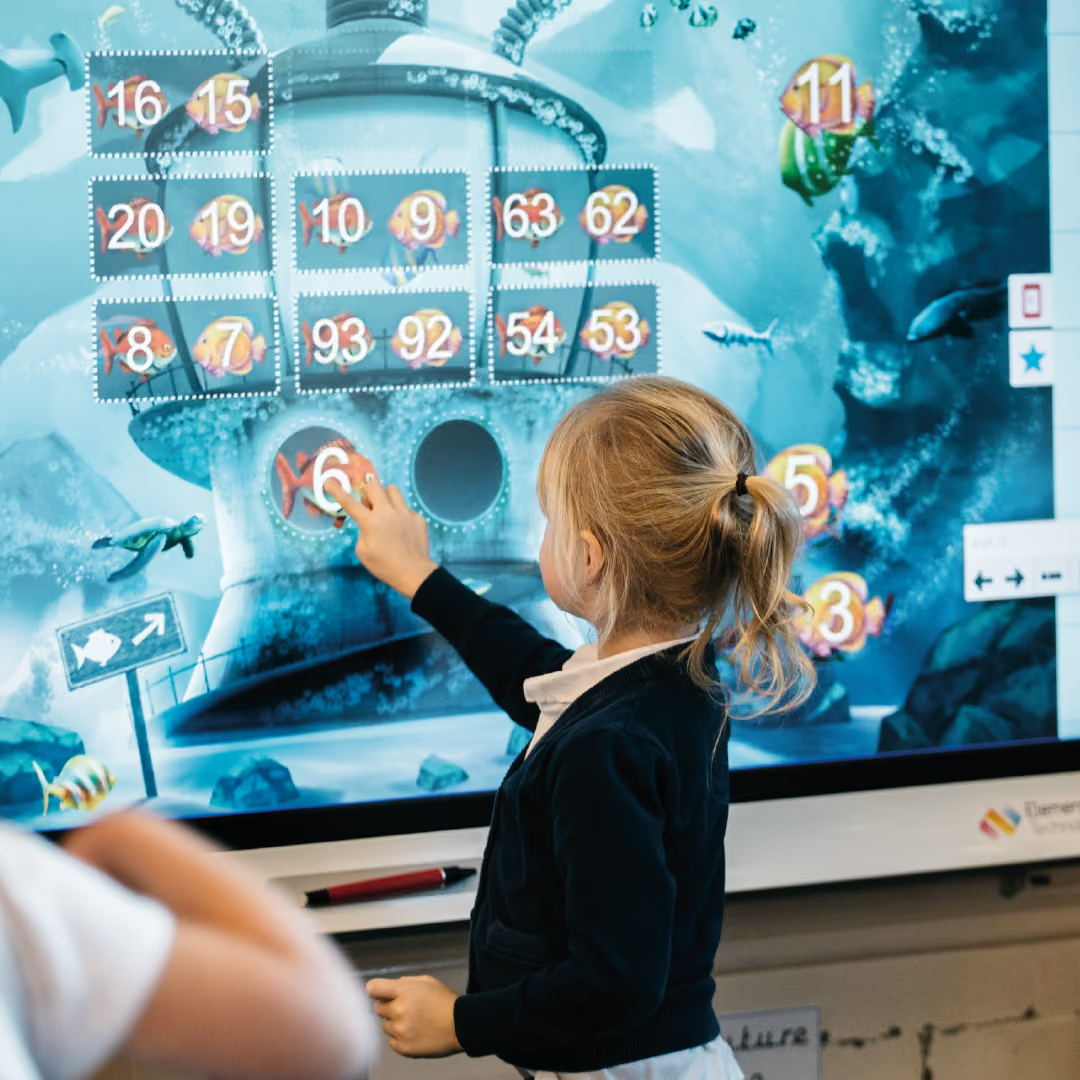
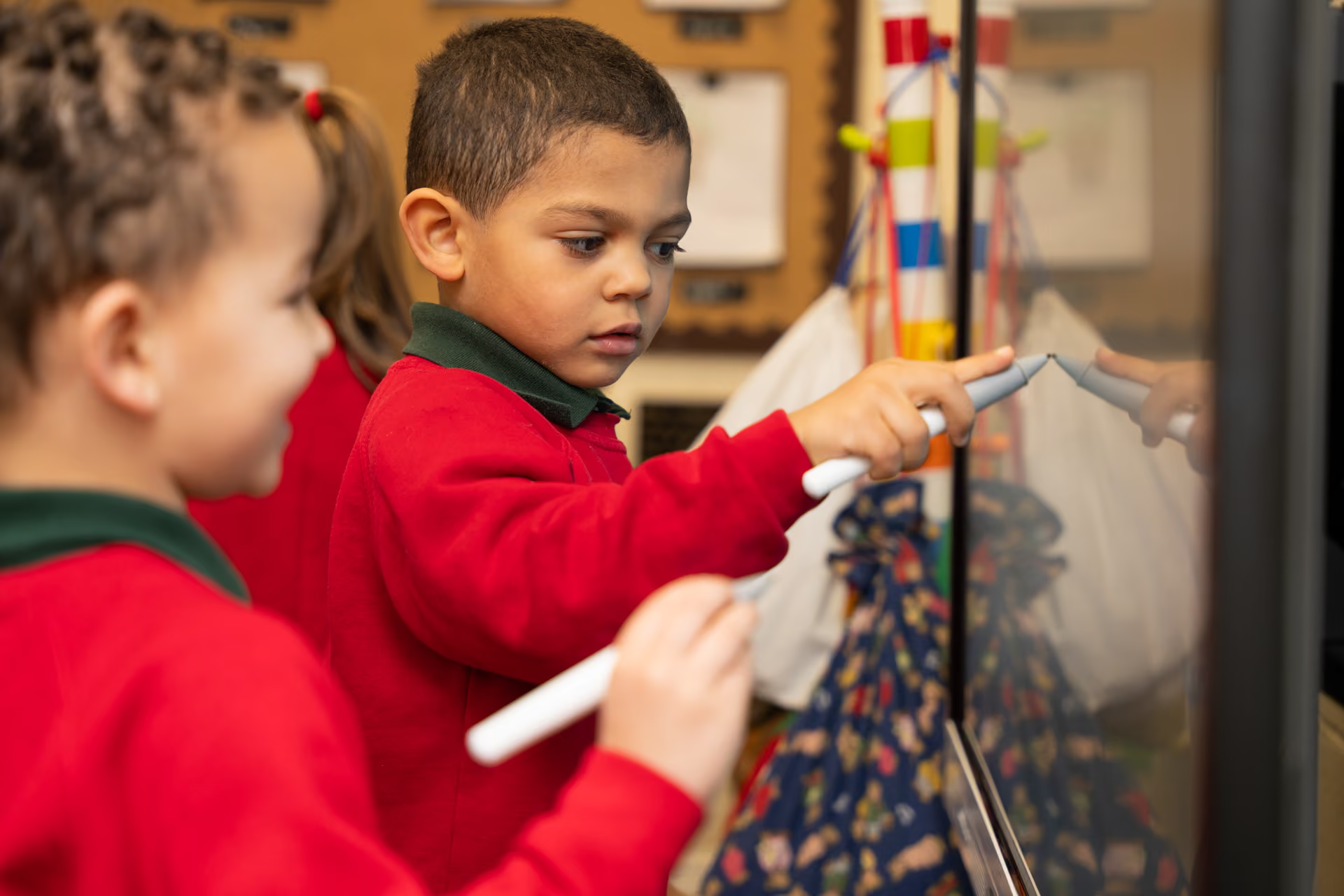
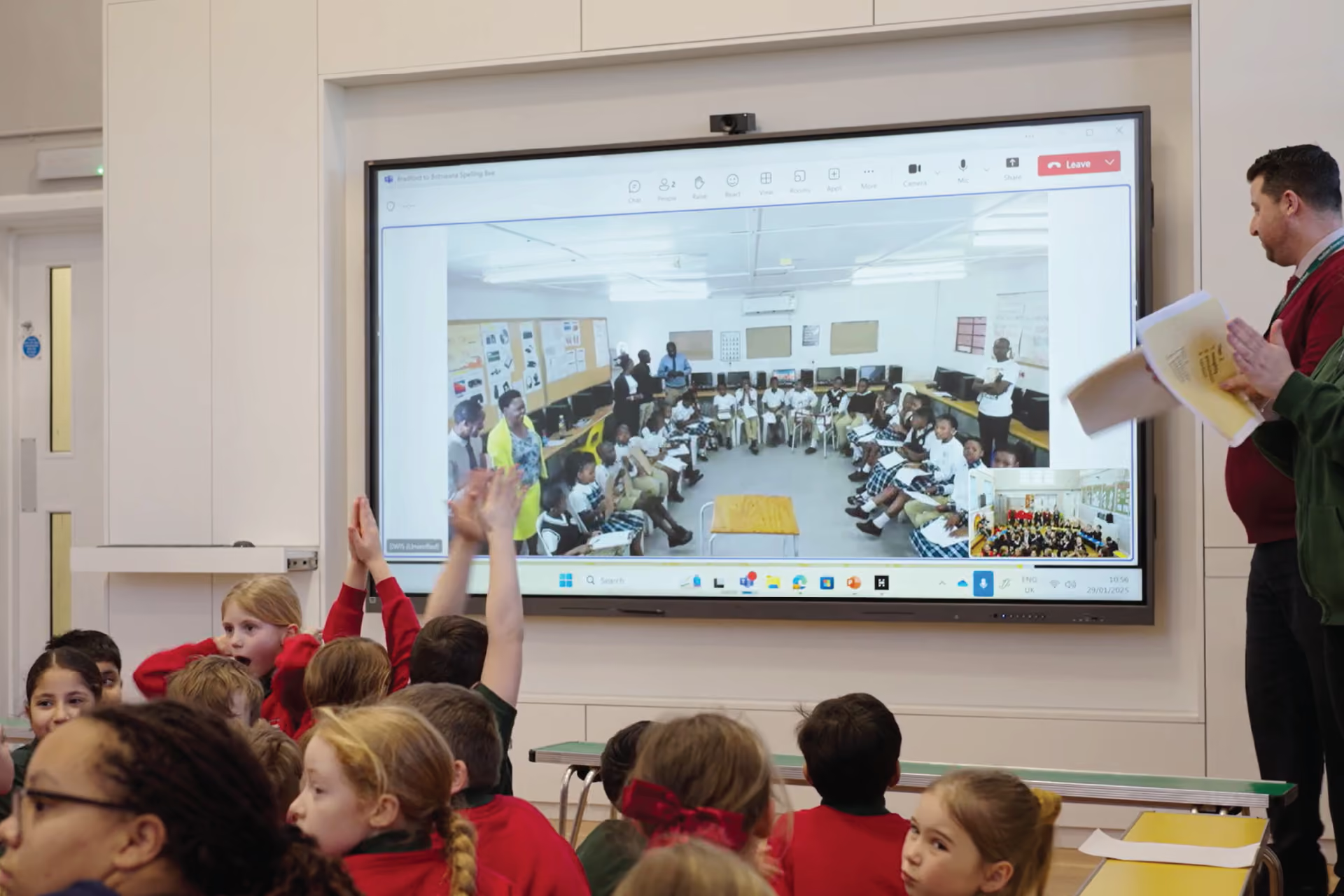
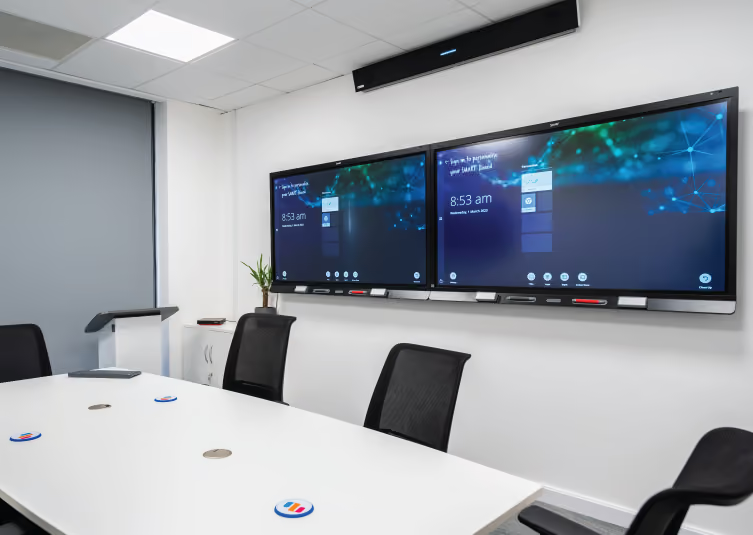
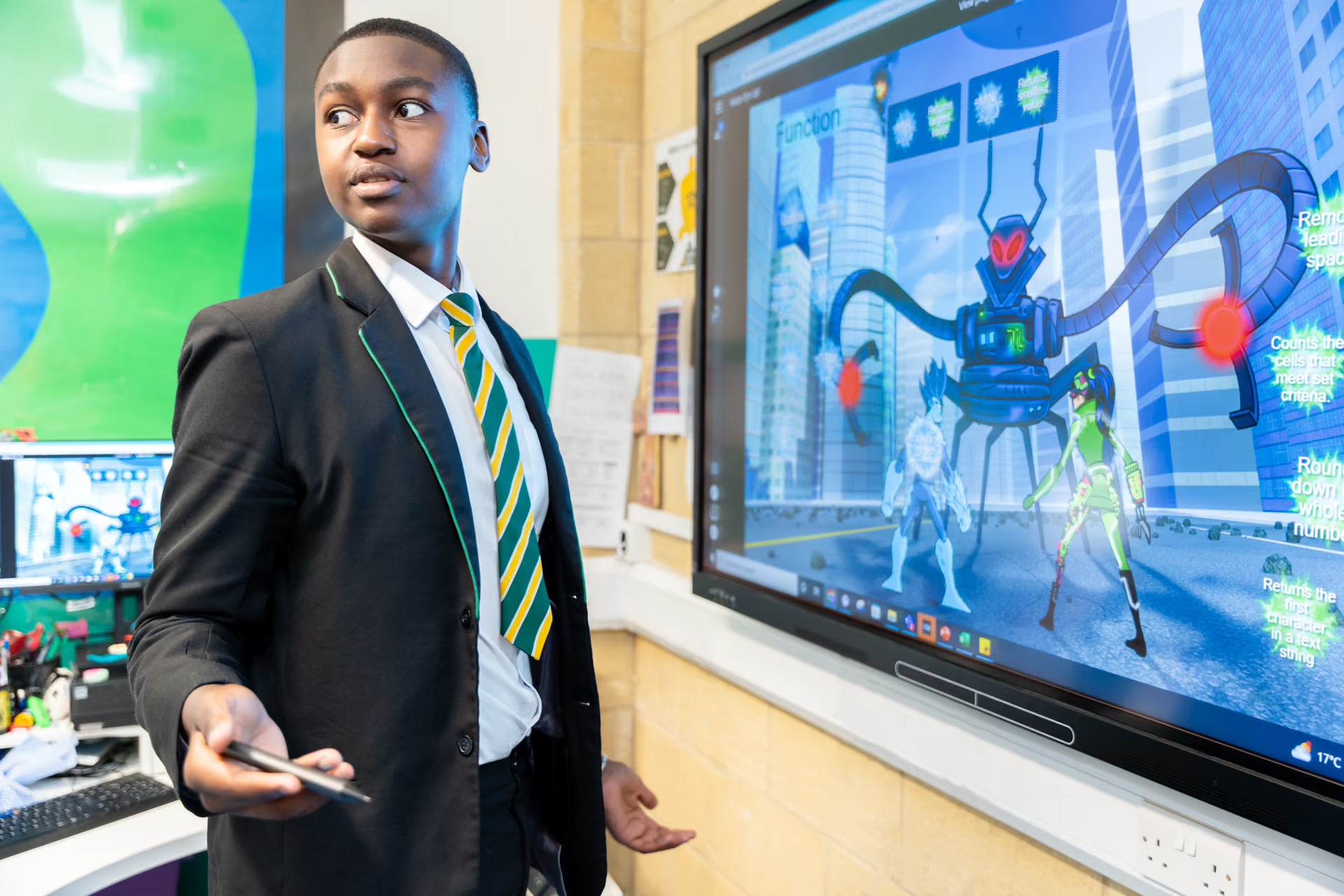
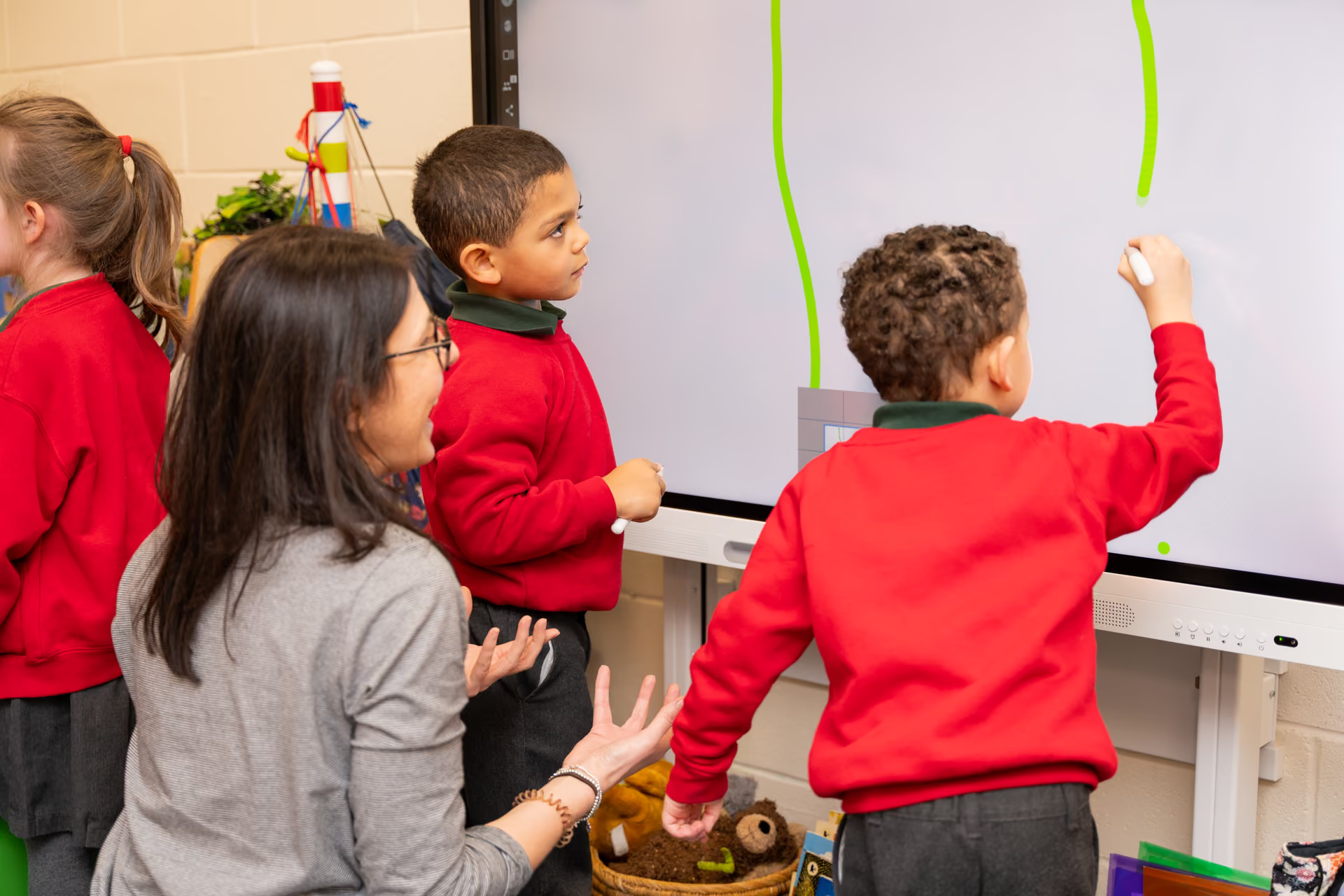
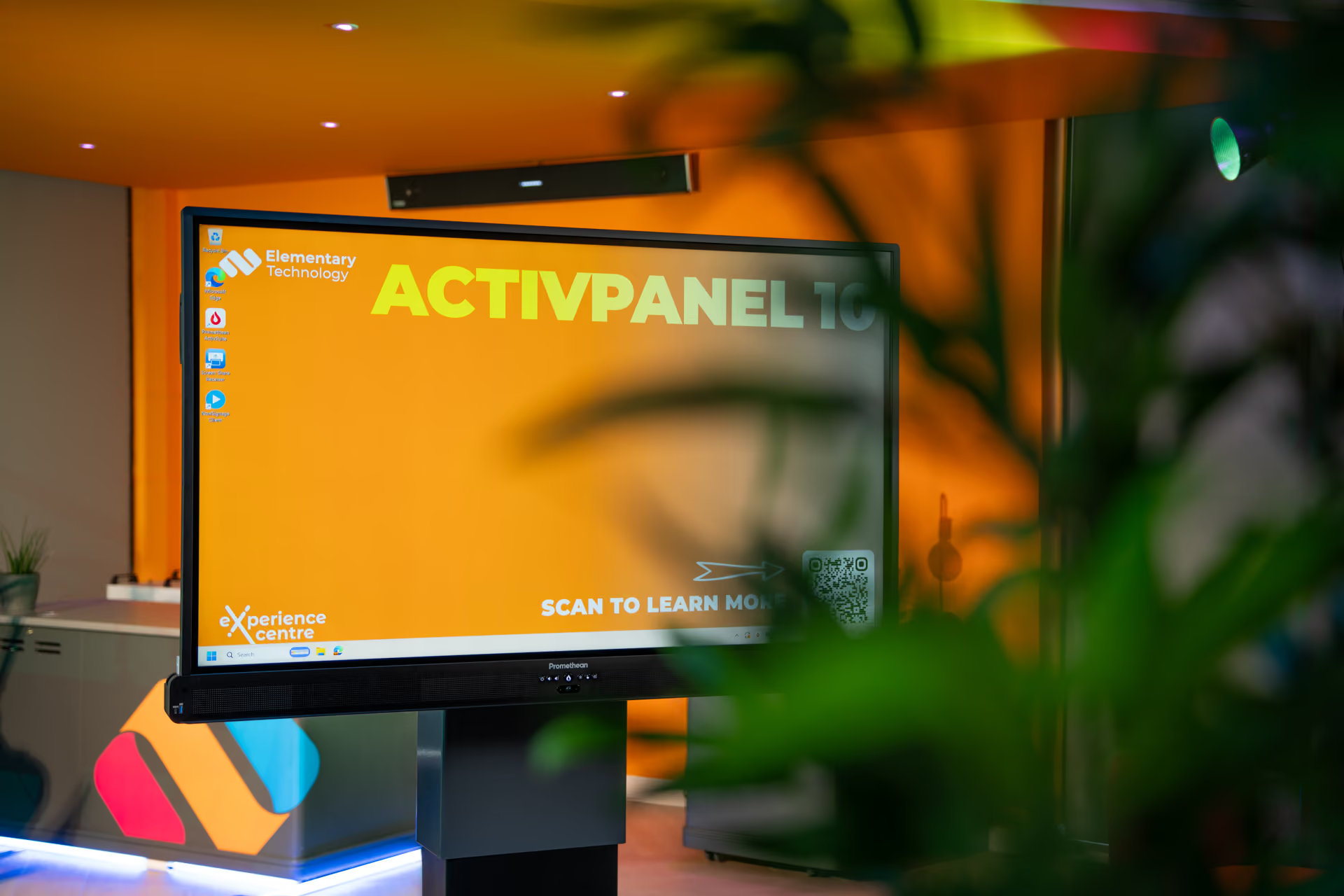
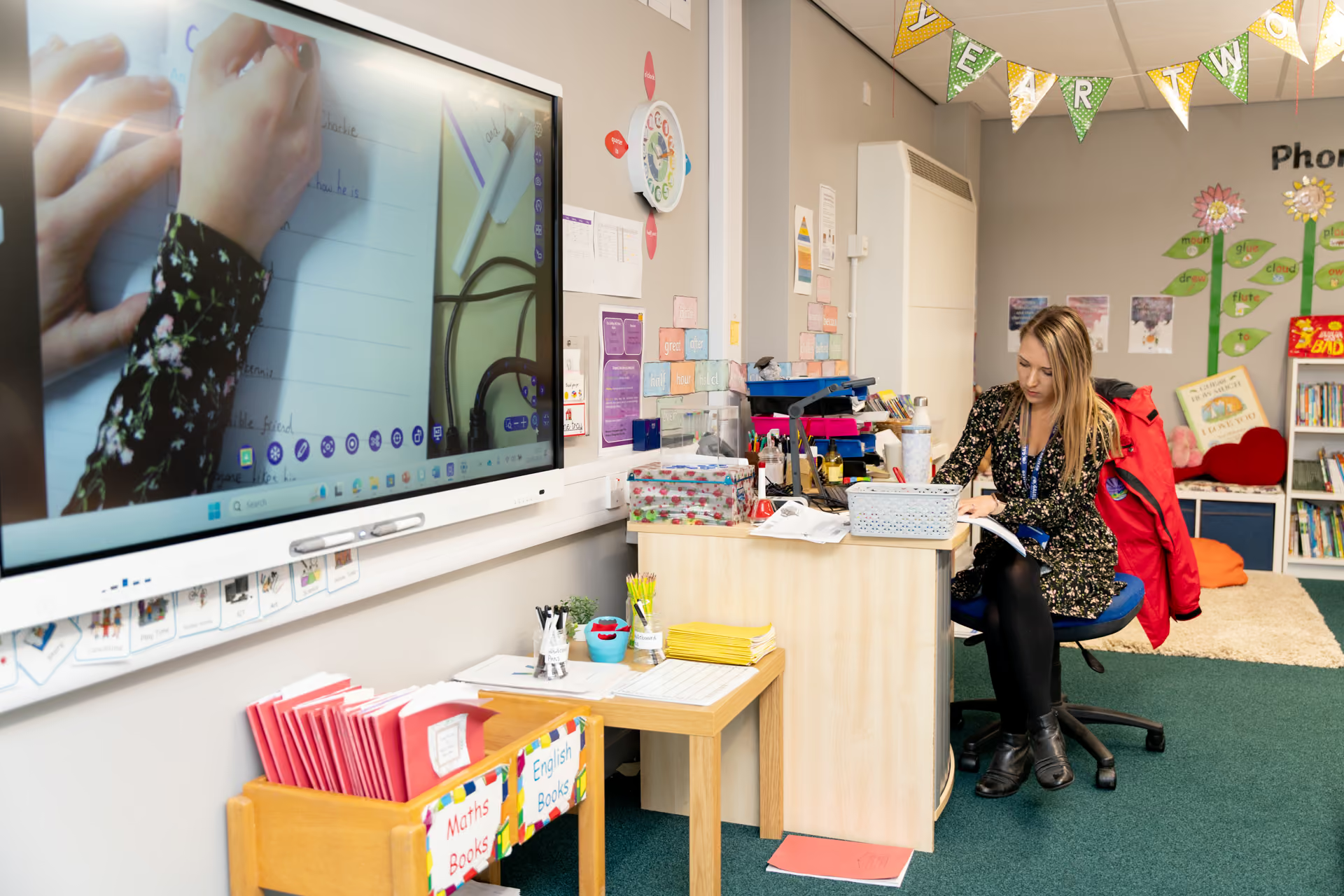
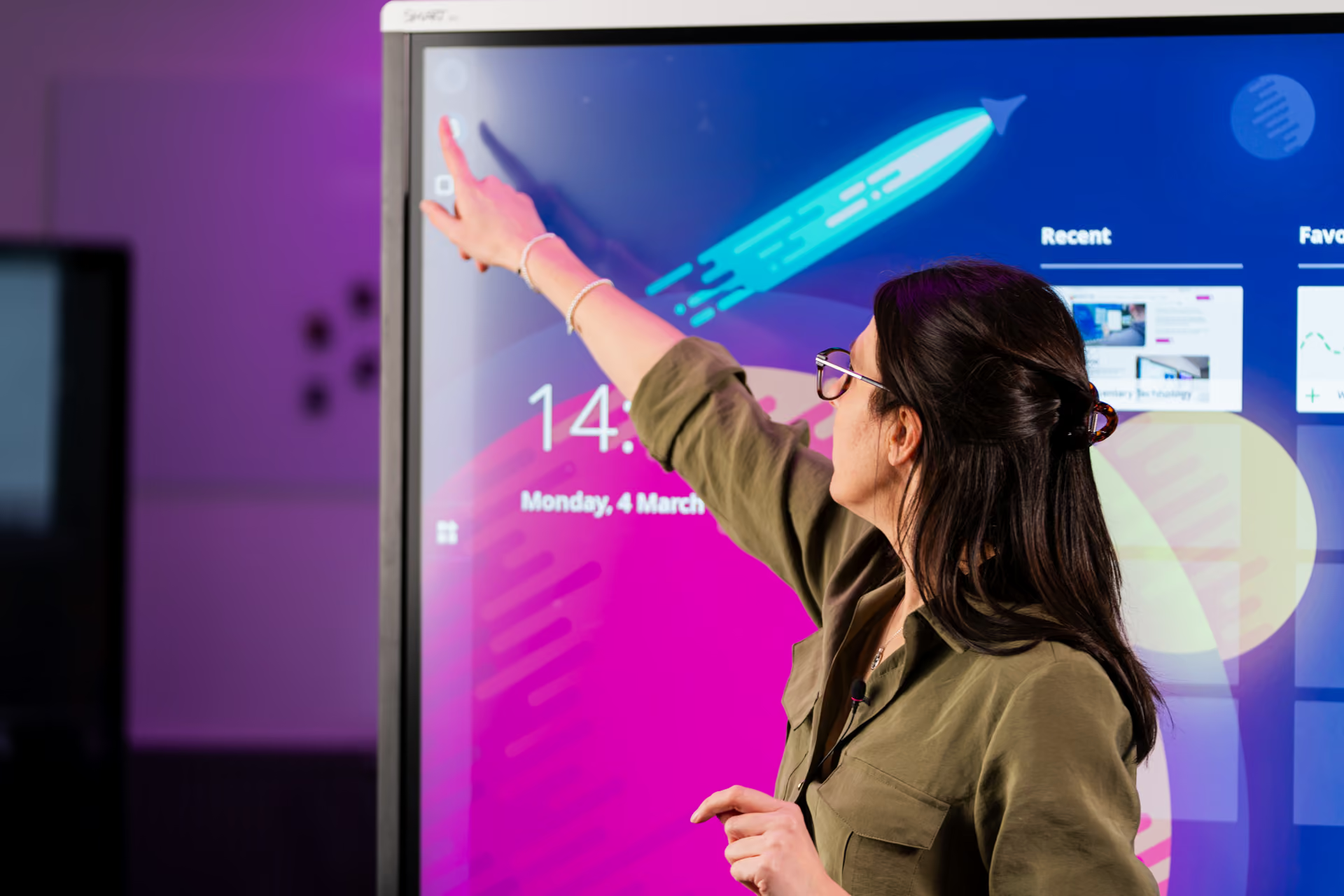
The display is the hub of the lesson, and the one most teachers use every day. We help you compare the options fairly across brands, choose the right fit for your classrooms and get them installed and working properly, so teachers can focus on teaching.
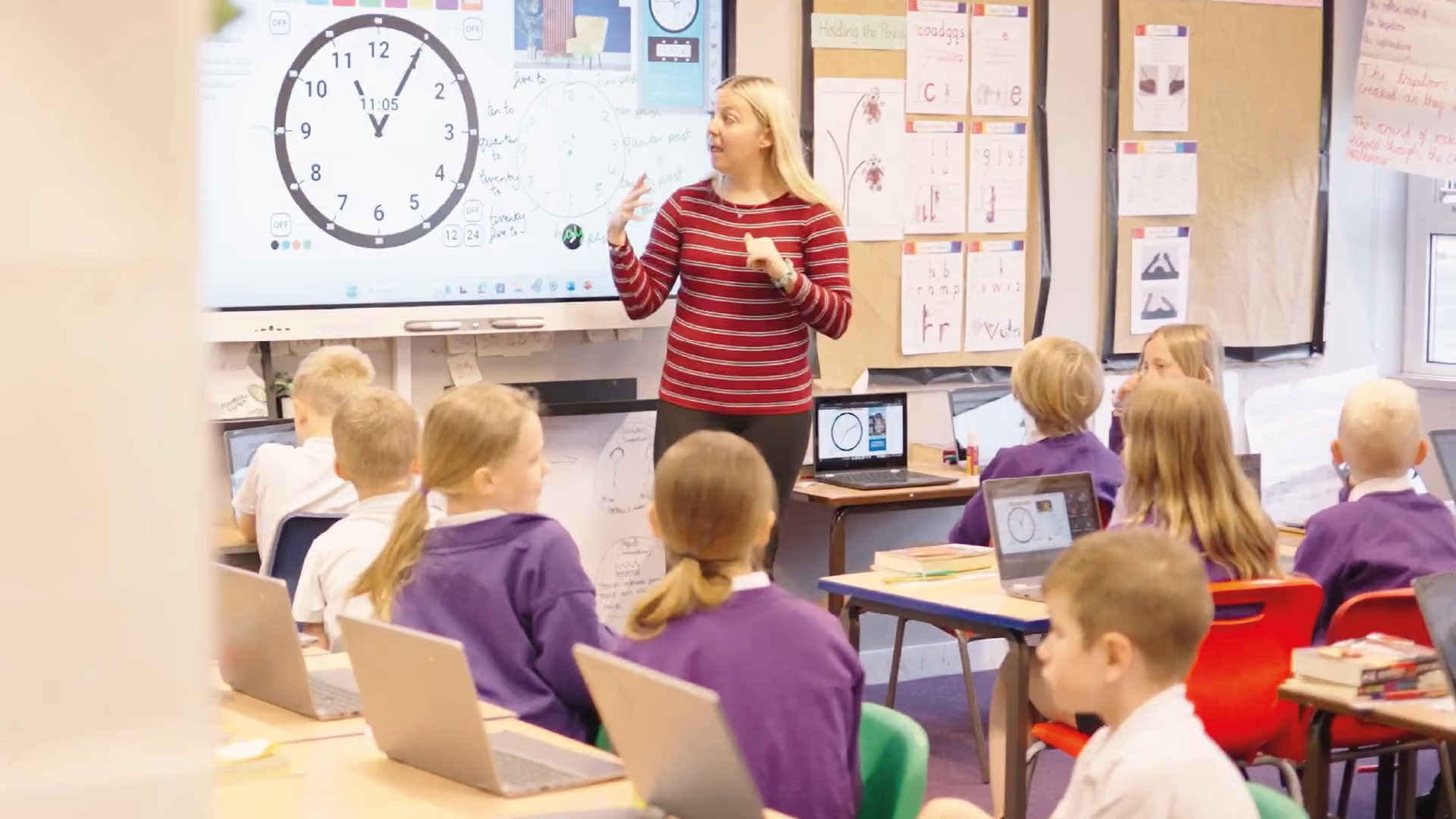
Educational Software
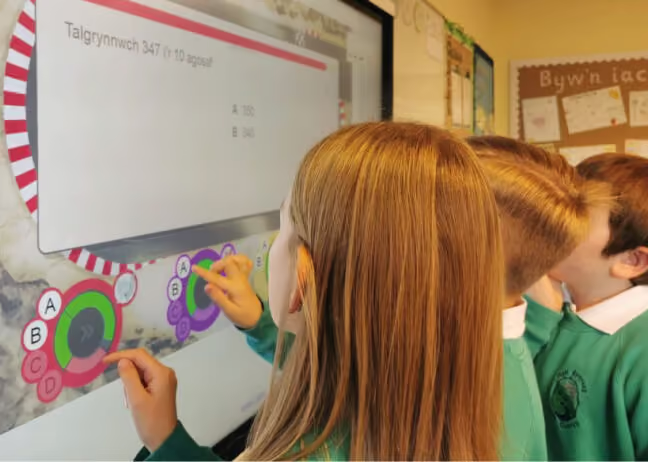
Good software turns a display into a teaching tool. From lesson delivery to assessment and collaboration, wehelp you find programs that reduce workload, support every learner, and work smoothly alongside the hardware you already have.
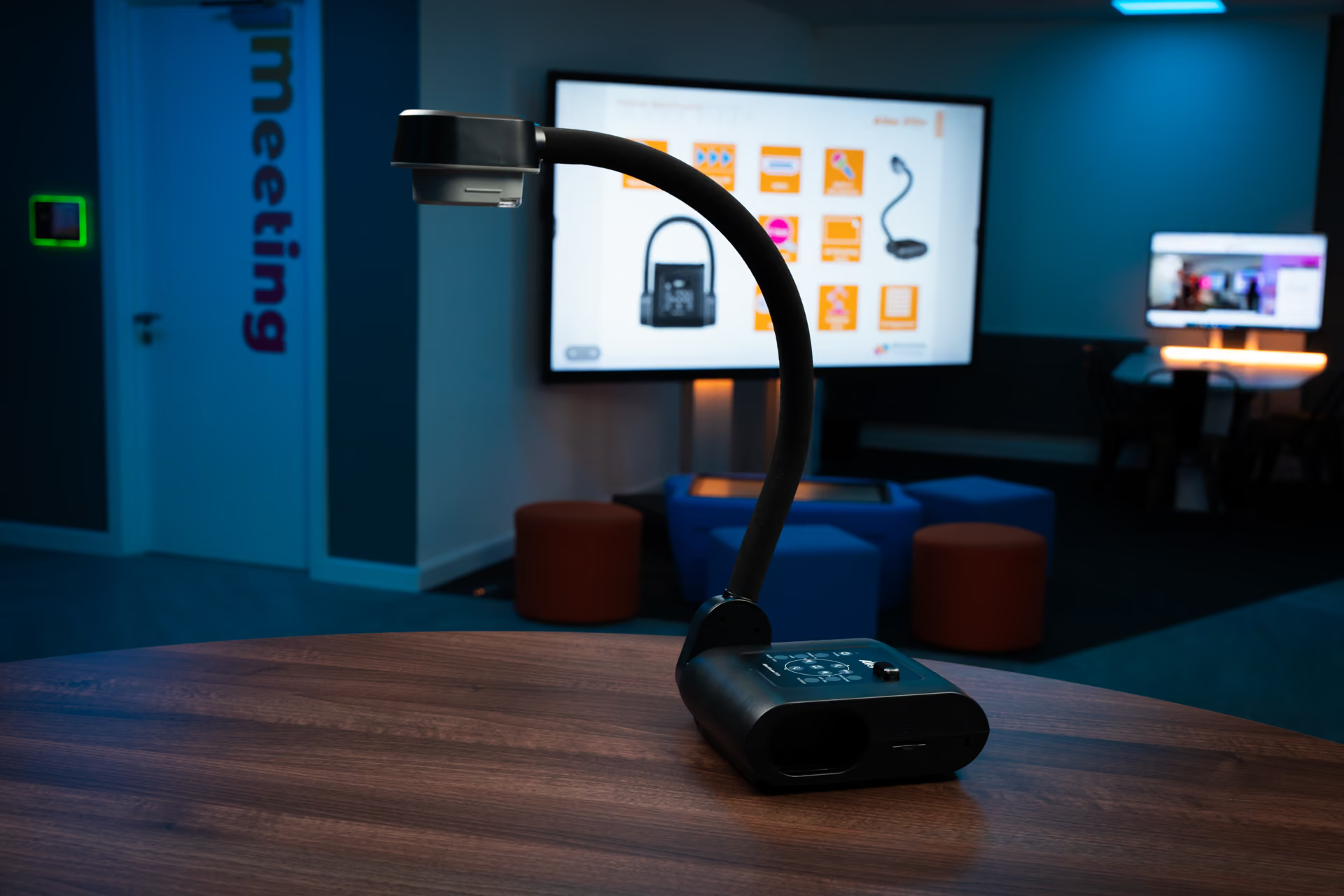
Visualisers
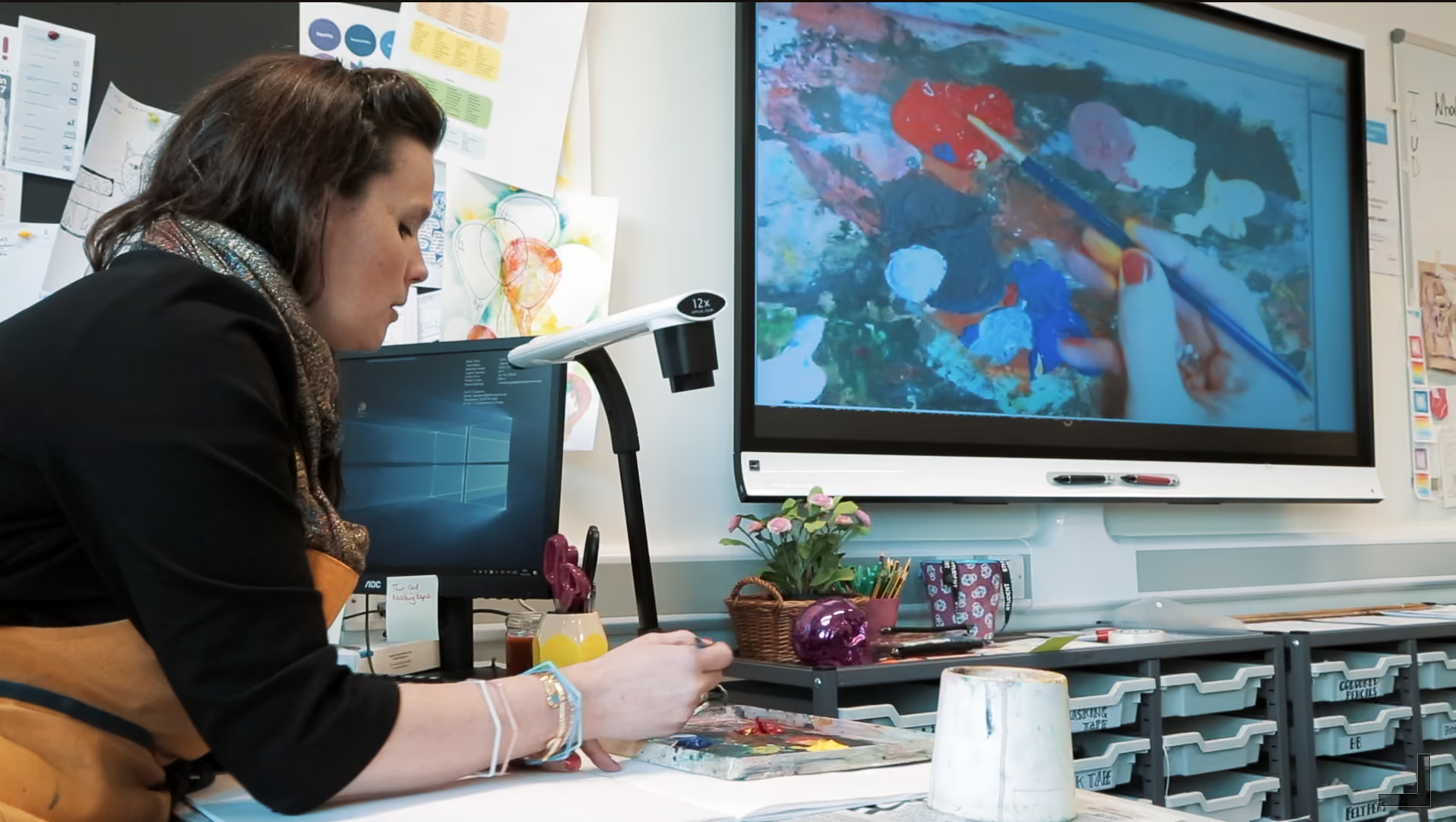
A visualiser brings books, objects and pupils' own work up onto the big screen for the whole class to see. They are simple to use, they are affordable, and they often become a firm favourite with teachers very quickly.
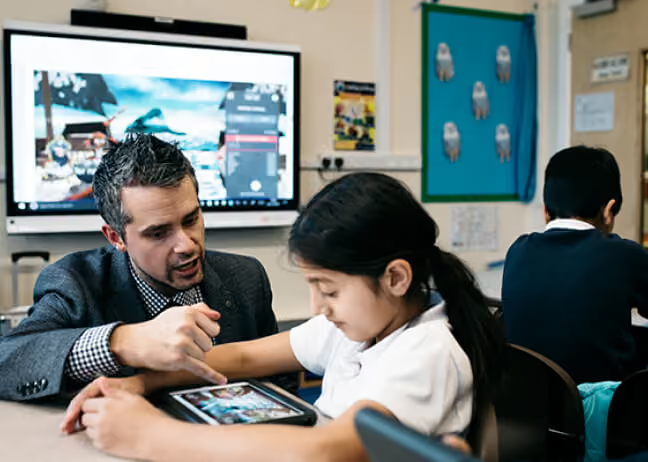
Pupil Devices
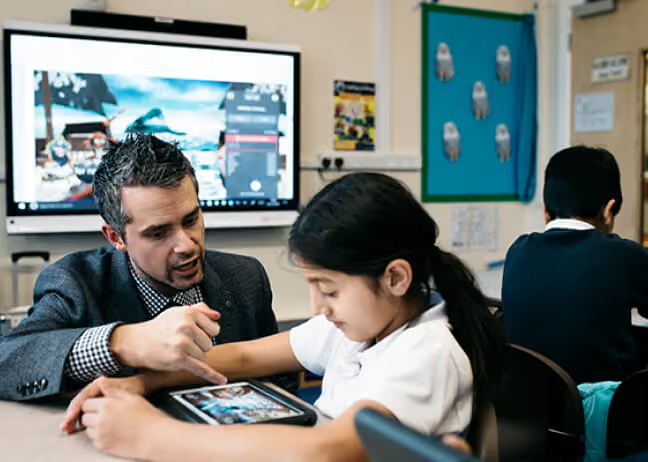
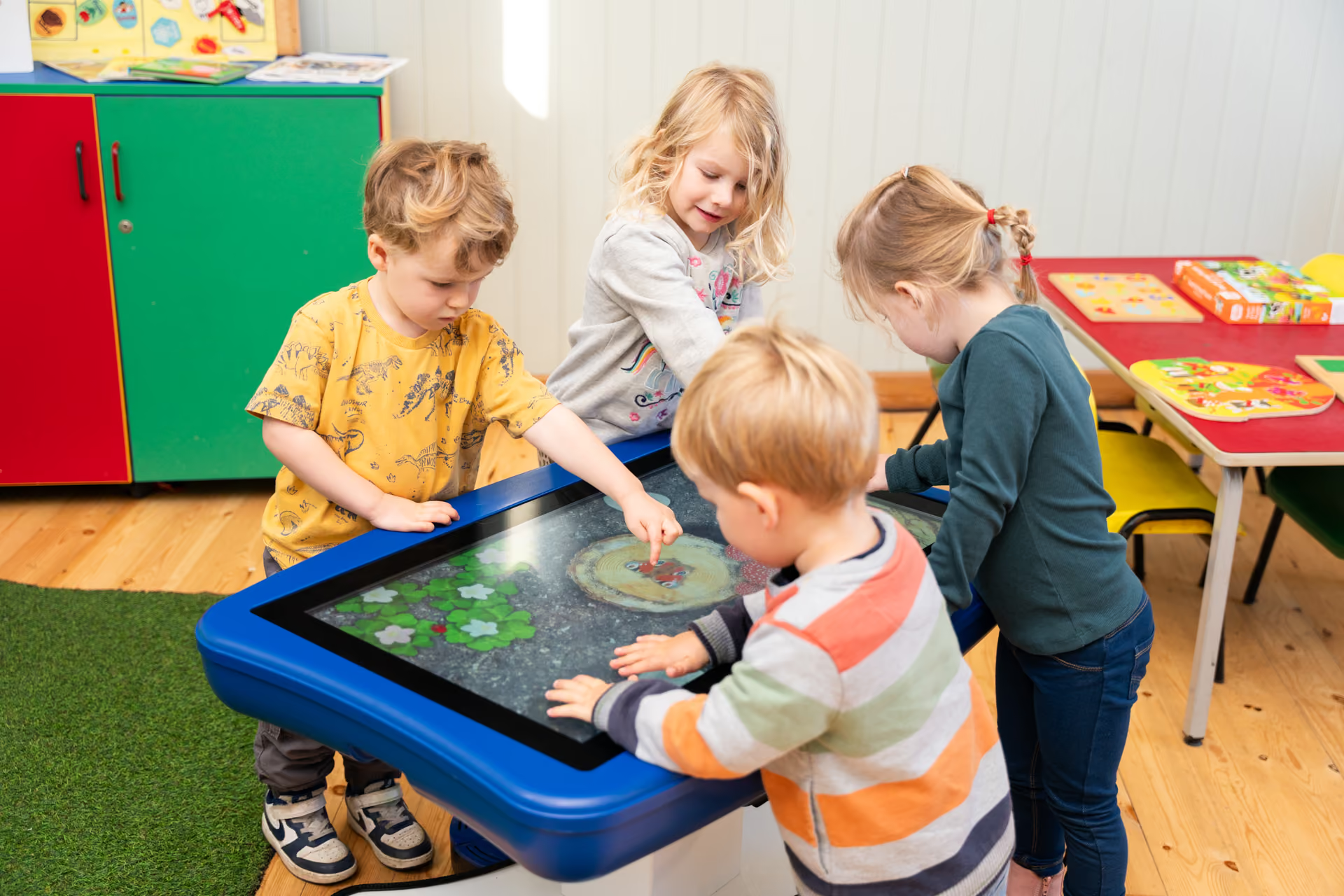
The right device in pupils' hands lets learning continue beyond the board. We help you choose devices that are robust, manageable for your IT team and well suited to the way your pupils learn, and that connect cleanly with the rest of your classroom technology.
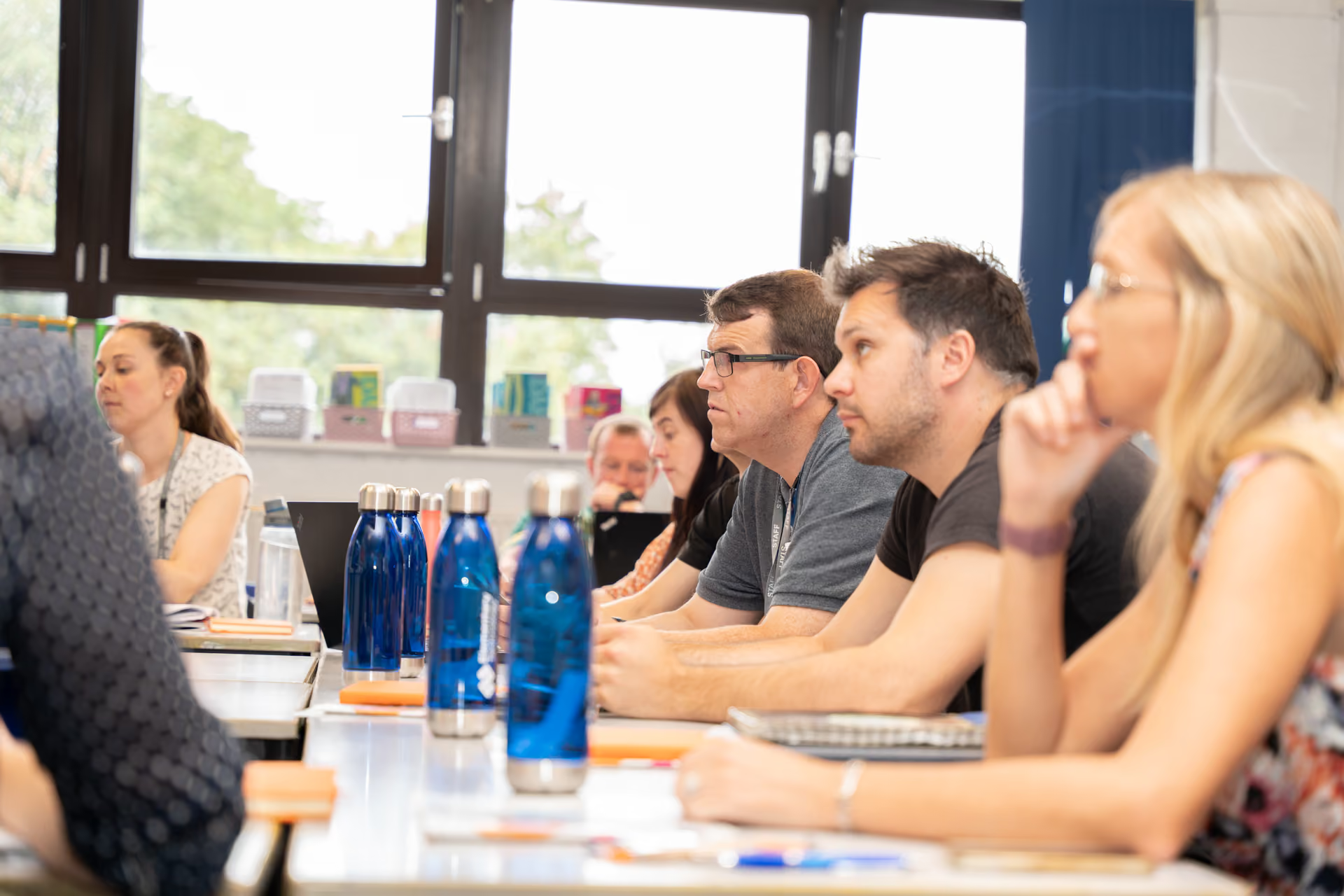
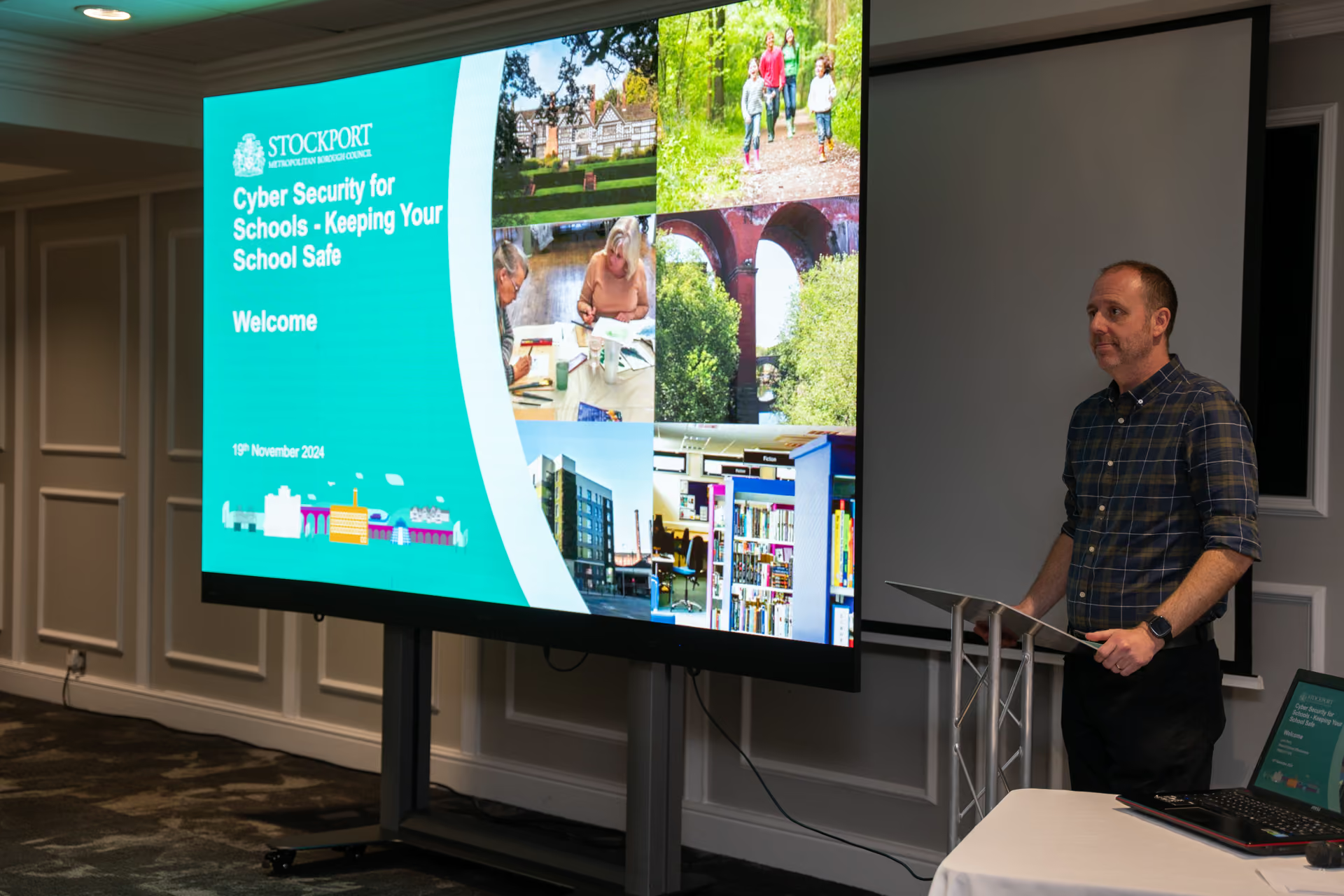
Training and CPD
Technology makes the most difference when people feel confident using it. Our training and CPD helps teachers and support staff get comfortable with new tools, build on what they already do well, and find fresh ideas to use in lessons.
It starts with a Classroom Healthcheck®, or an initial conversation.
LEARN MORE
Explore how a Classroom Healthcheck can help you